
In this section, you will configure alert services, backends, and clusters.
Once the configuration options have been modified, just click the Apply button.
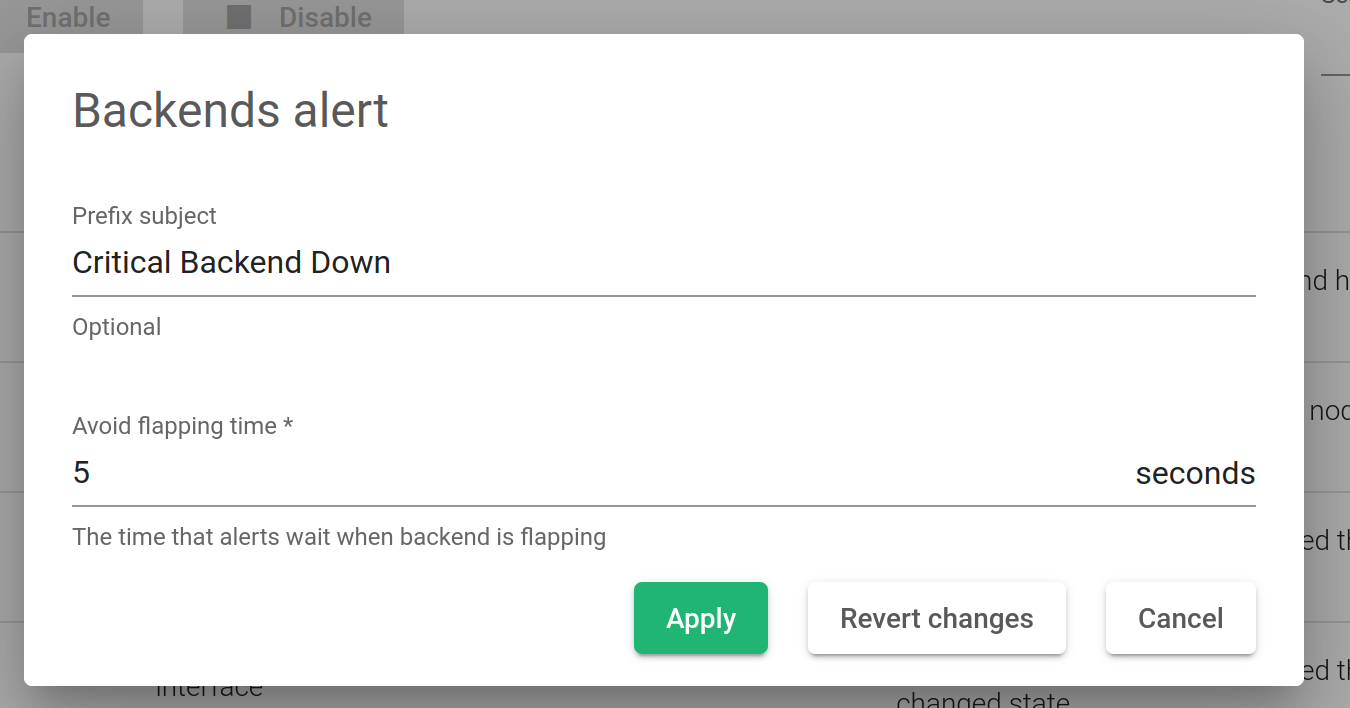
Prefix Subject. It allows configuring a prefix subject in all emails that are sent by the system.
Avoid Flapping Time. Sometimes, backends are enabled or disabled in short timeframes. This field allows configuring a period to prevent the backend status notifications. Once this period elapses, the changes will be updated. If the backend status changes in this period, then notifications will not be sent.
Revert changes. Return back the values of every field of the current form.
Cancel. Discard changes and close the dialog.
