
System | RBAC | Roles | Create

Create RBAC Role

To create a new role, select Create Role action. It will open the form to create a new role.

Fill in the name as instructed by the form.
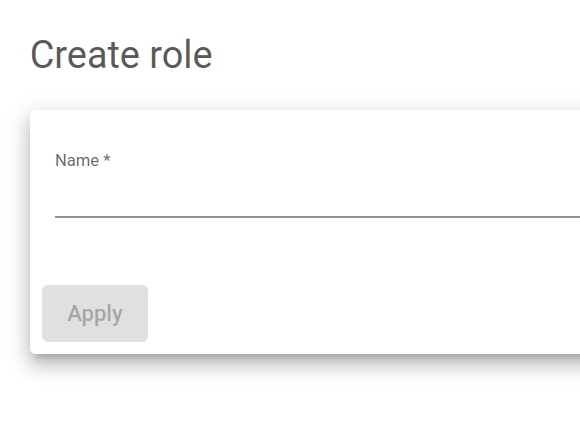
Name. A descriptive label that easily identifies a role. It is used as a unique identifier.

After, click the Apply button. You will be redirected to the form configuration page.

To learn more about configuring roles, click here

Related Articles

Need Support?

Can't find the answer you're looking for?
Contact Support

Download Skudonet ADC Load Balancer
Community Edition

Source Code

A versatile and installable ADC system designed for diverse vendor hardware.

DOWNLOAD SOURCE

Installable ISO 

Load Balancing as a Service alongside an ADC orchestration toolkit.

DOWNLOAD ISO