
In this section, you will learn how to create a backup file with the entire configuration of the load balancer.
Create Backup
After clicking the Create Backup button, the creation form will show up.
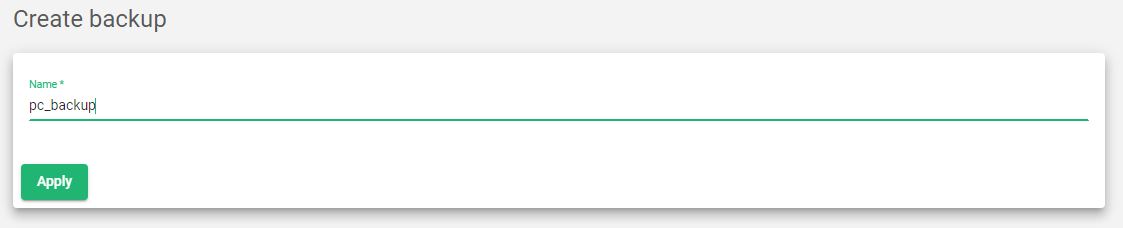
Fill in the necessary details.
Name. A descriptive name to easily identify a file in the backup storage. Only letters, underscores, or numbers are allowed.
Click the Apply button to save the current configuration in the backup storage.
