
The image below shows all the available Global settings for the RBL rules, list view:
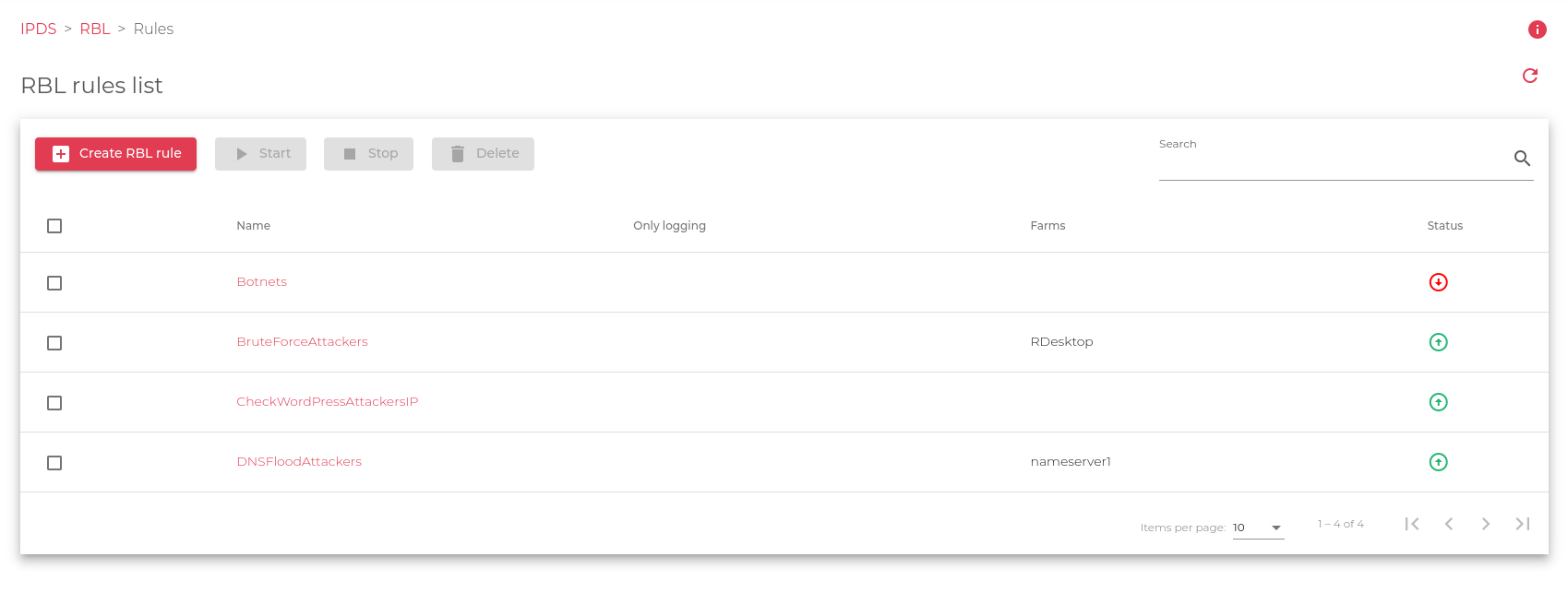
Here is a brief description of all the fields in the image above:
- Name: The descriptive name of the rule.
- Only Logging: If enabled, connections will be logged but not blocked.
- Farms: A list of farms currently using the RBL.
- Status: RBL status of the RBL, if
 UP the RBL checks all the incoming traffic reaching the farm(s), if
  DOWN the RBL is configured and applied to the farm(s) but not protecting.
Actions applied in this view:
- Create RBL rule: A new configuration view is loaded, here the system administrator can configure new RBLs.
- Start: Enable the RBL applied to the indicated farm(s).
- Stop: Disable the RBL and stop any protection.
- Delete: Destroy any configuration for the indicated RBL.
