
To upload an SSL certificate to the load balancer:
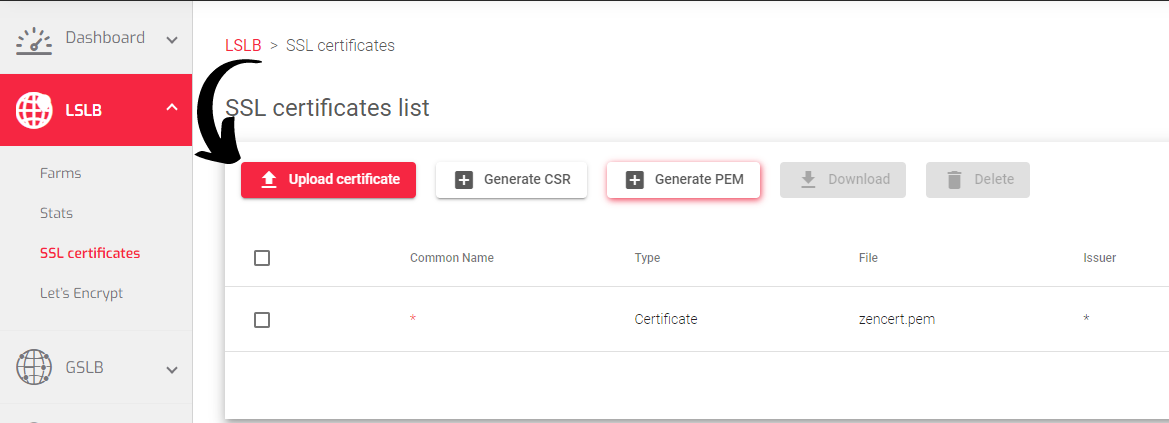
- Go to the LSLB > SSL Certificates section
- Click the Upload Certificate button.

- A page with a paper clip will open prompting you to upload the SSL Certificate.
- Click the Red Paper Clip Icon
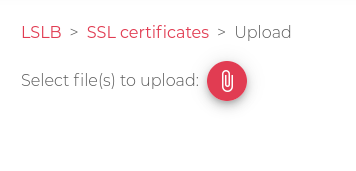
5. Locate and select the PEM certificate file on your local machine.
6. The certificate will automatically upload and be added to the list of certificates.
Important Notice!
The certificate must be in PEM format.
Next Article: LSLB | SSL Certificates | Info
