
This section allows uploading and storing a local backup file into the load balancer.
Upload Backup
The page allows you to set a name for the new backup file and to select the new file from your PC to upload to the load balancer.
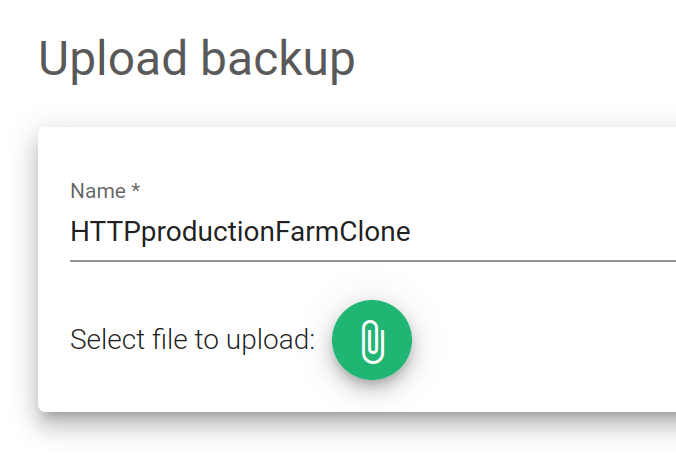
Name. The new backup file name should be descriptive enough.
File to upload. Explore and select the backup file from your PC in tar.gz format.
Click on the Upload (clip) button to upload the new backup file to the load balancer.
