
To change your load balancer access credentials:
-
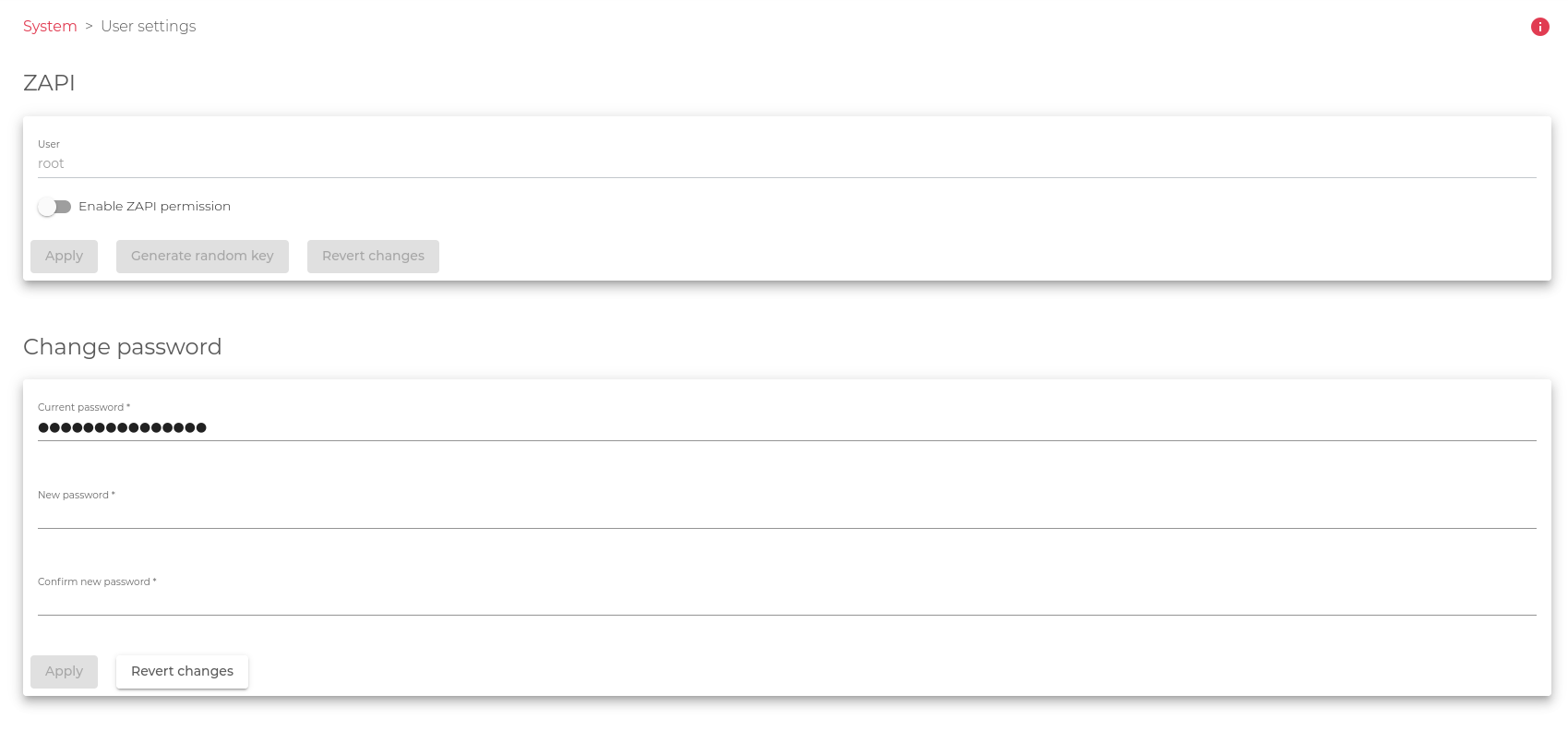
- Go to the System>User settings section.
- Select the user whose credentials you want to change. The default user is the root
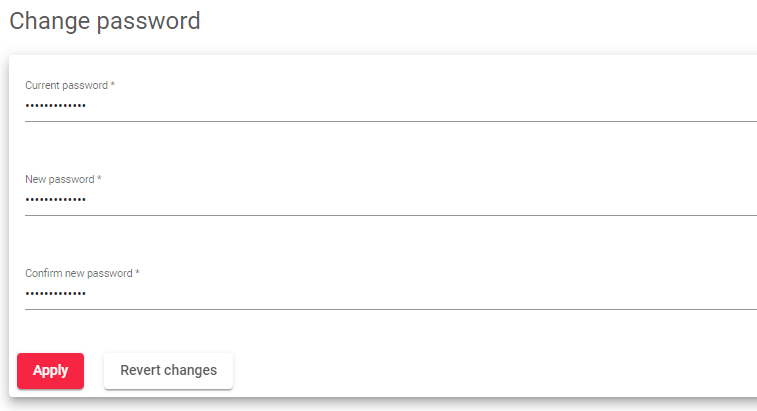
In the Change Password section:
- Enter the Current password of your load balancer instance
- Enter a new password in the New Password field and repeat it in the Confirm New Password field.
- Click the Apply button to save your changes.
To discard the modified fields and restore the previous/default configurations, click the Revert Changes button.
Enabling zapi Permissions
If you want to enable ZAPI permissions for the user, follow these additional steps:
-
- Check the Enable ZAPI Permission checkbox within the ZAPI field.
- Enter a Key in the ZAPI Key field by clicking the Generate random key button
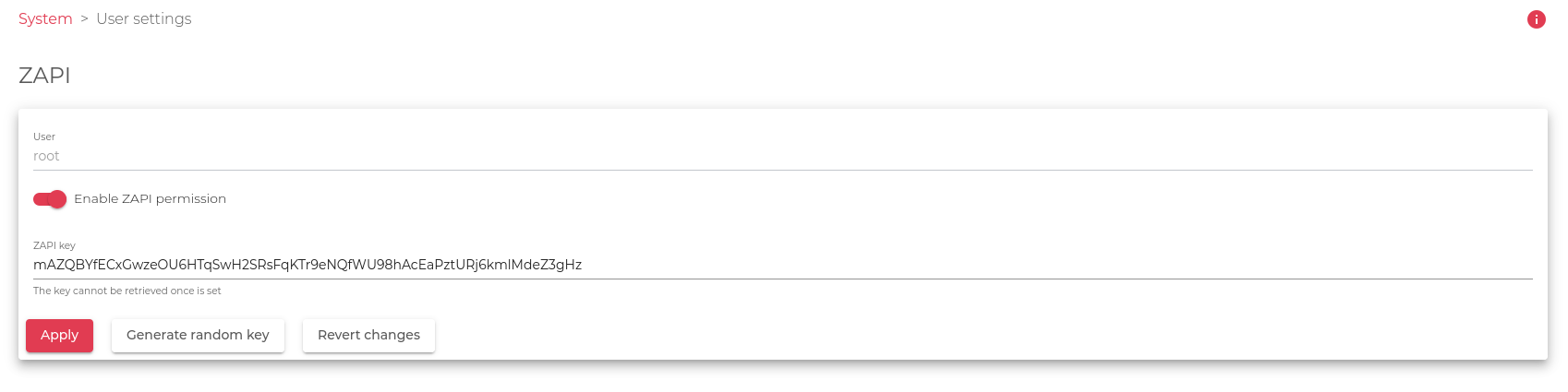
- Click the Apply button to save your changes.
Note: The ZAPI Key is a secret and unique code that allows the user to access the load balancer through the SKUDONET API. You cannot enable ZAPI permissions without defining a ZAPI Key for the user. You also cannot define the same key for more than one user. Please save the API Key in a secure place as for security reasons this key isn’t going to be retrieved once is set.
Next Article: SYSTEM | Theme Settings.
