
To create a DSLB farm, follow these steps:
-
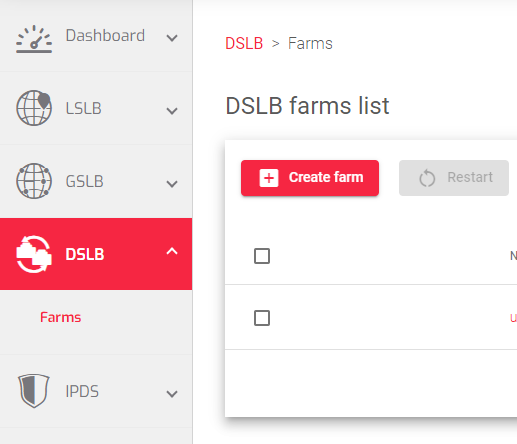
- Go to the DSLB > Farms section.
- Click the Create Farm button.
- Enter a Name for the farm.
- Enter a Virtual IP for the farm. This is the IP address that will be used to load balance requests.
- Optionally, select a farm to Copy from farm if you want to use the configuration of an existing farm.
- Click the Apply button to create the farm.
Once the farm has been created, you can begin configuring its properties in the next article.
Next Article: DSLB | Farms | Update
