
This section is about viewing SSL certificate information. When you click on a domain name in the Common Name column, the certificate’s details will appear.
In the provided image, clicking on a particular Common Name, for example * displays the certificate saved on the ADC.
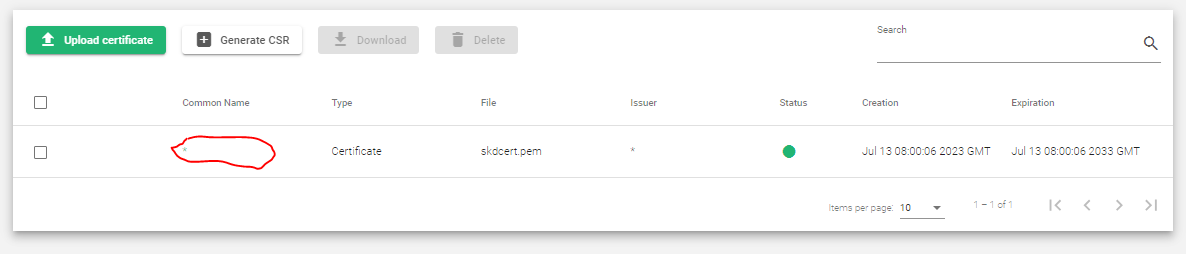
After clicking the Common Name, the following information is displayed.
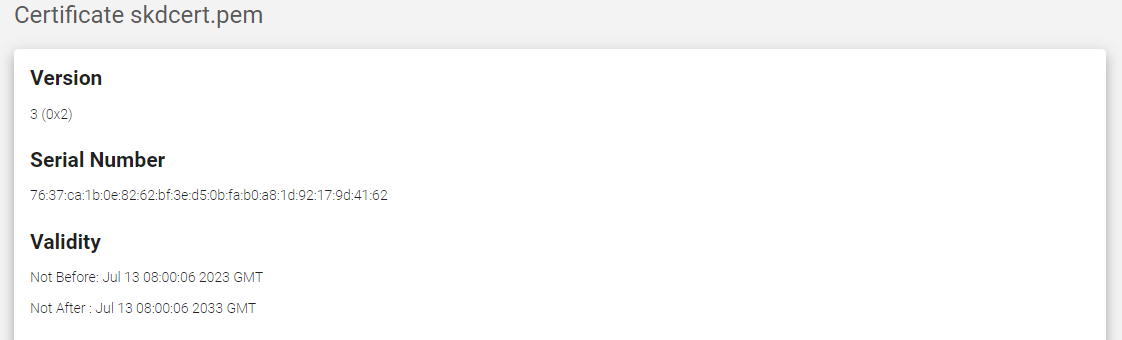
- Version: The version of the SSL certificate format. The current version is 3.
- Serial Number: A unique number that identifies the SSL certificate.
- Validity: The start and end dates of the SSL certificate’s validity period.
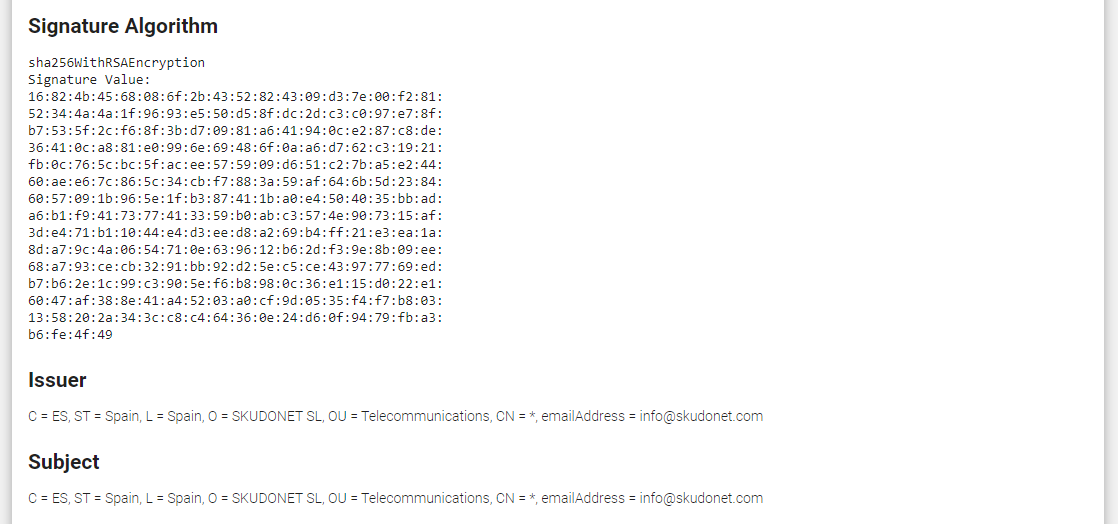
- Signature Algorithm: The cryptographic algorithm used to sign the SSL certificate. For this example, it is encryped with RSA and hashed with SHA5.
- Issuer: The name of the certificate authority (CA) that issued the SSL certificate.
- Subject: The name of the domain or organization that the SSL certificate is issued to.
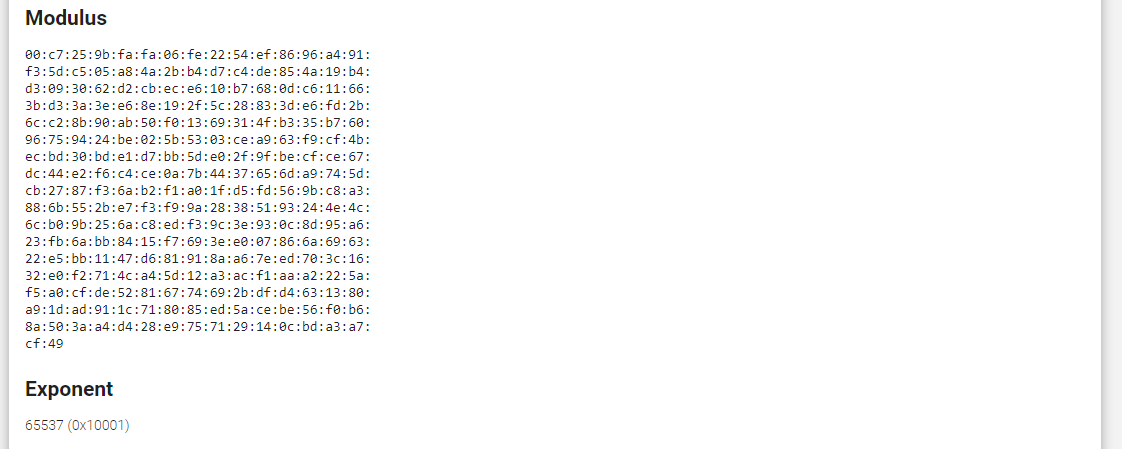
- Modulus: The public key of the SSL certificate, used to encrypt data sent to the server.
- Exponent A small number used in conjunction with the modulus to encrypt and decrypt data.
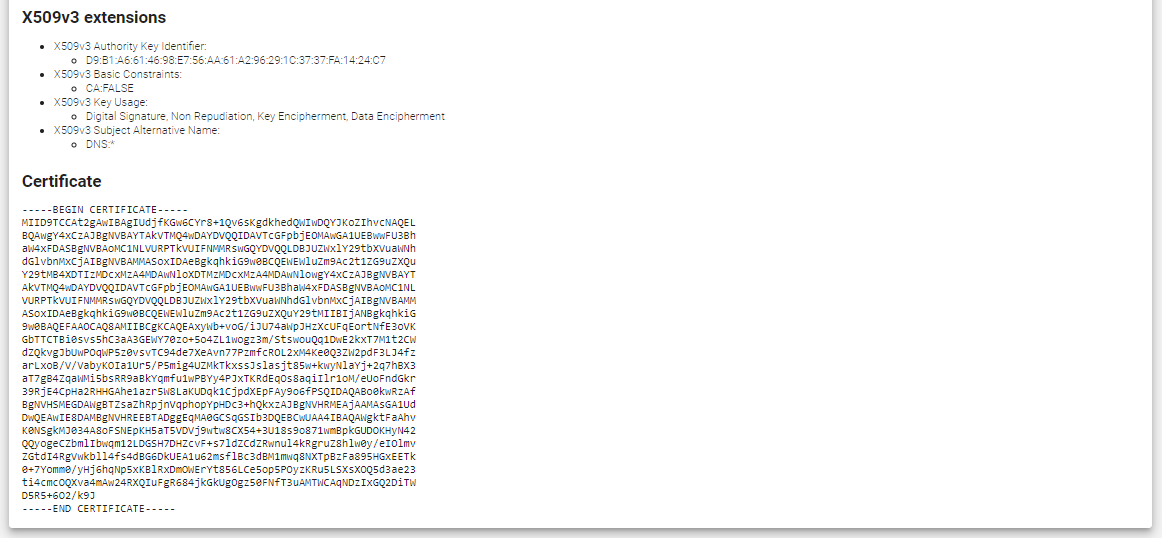
- X509v3 extensions Optional extensions that can be added to the SSL certificate to provide additional information or functionality.
- Certificate The digital signature of the SSL certificate, issued by the CA.
Next Article: LSLB | SSL Certificates | Upload
