
To protect your farm services from denial-of-service (DoS) attacks, you can create customized DoS rules by following these instructions:
- Go to the IPDS > DoS page.
- Click the Create DoS rule button and fill in the following fields:
- Name: A descriptive name for the rule.
- Rule: The type of DoS rule to create.
- Click the Apply button
Rule: The are the available rules.
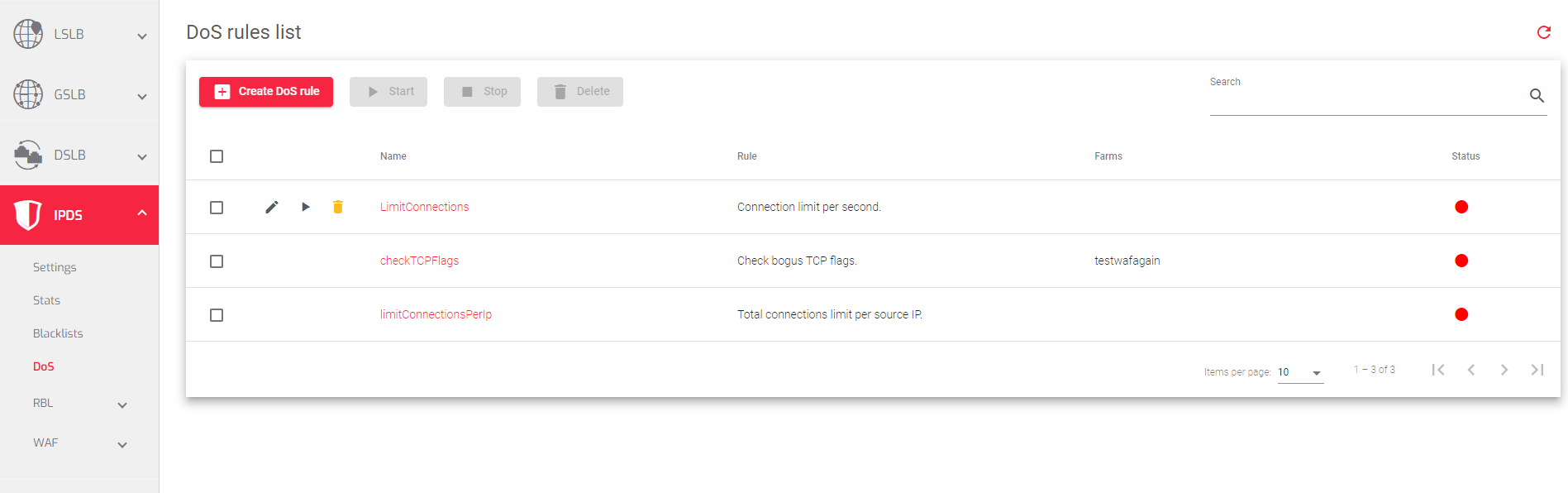
- Connection limit per second: Limits the number of new connections that can be established from a single source IP address within a specified period of time.
- Total connections limit per source IP: Limits the total number of concurrent connections that can be established from a single source IP address.
- Check bogus TCP flags: Checks for and blocks TCP packets with invalid flags.
- Limit RST request per second: Limits the number of RST (reset) packets that can be sent from a single source IP address within a specified period of time.
Next Article: IPDS | DoS | Update
