
WAF rulesets can be used with additional files to extend and organize the rules. This section allows you to work with different types of files.
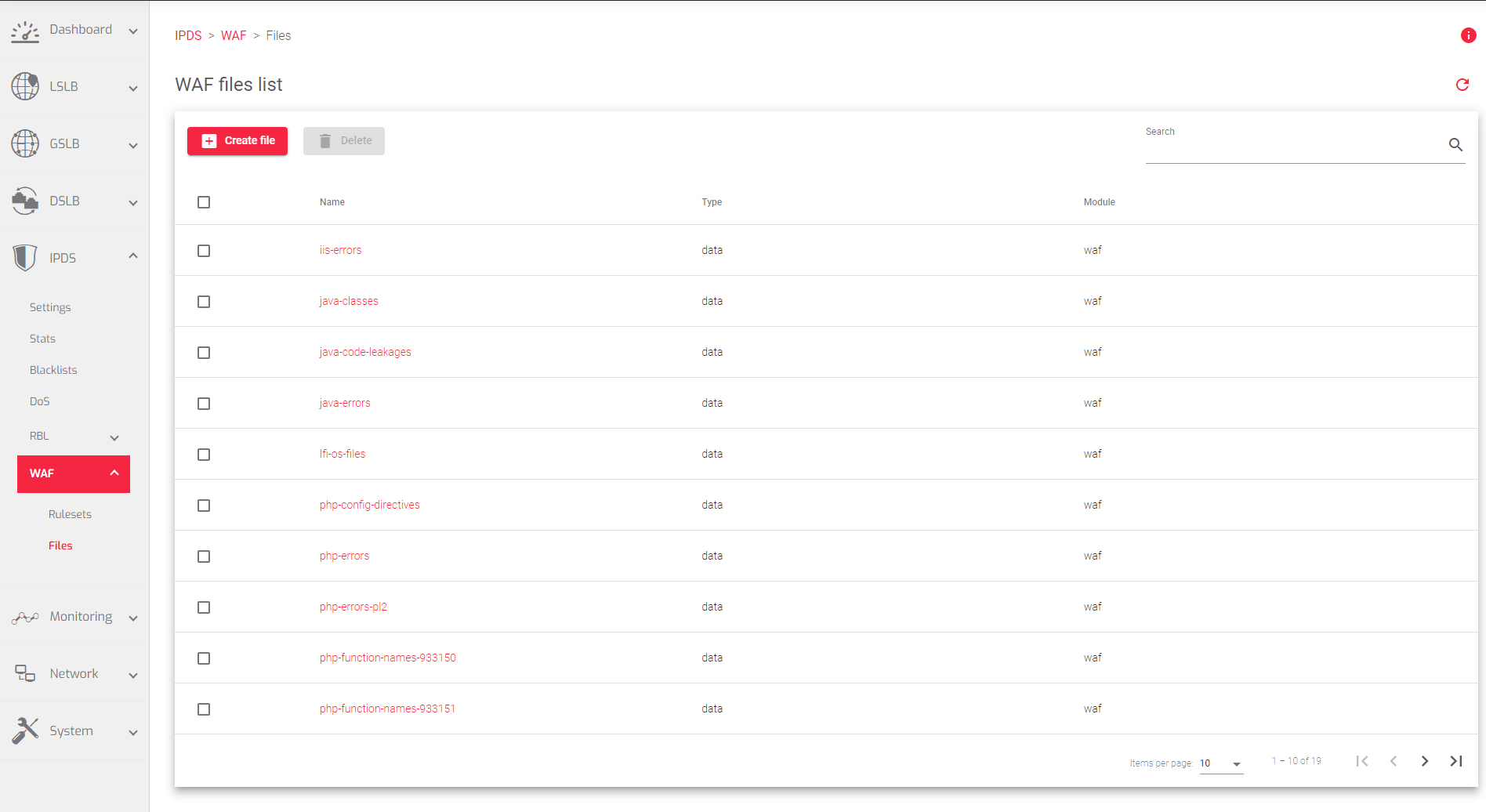
Brief description of the fields in the image above:
- Name: A unique name to easily identify the WAF file.
- Type: Indicates whether it is a Data file or a Lua Script.
- Module: The module to which the file has been applied. The default Module is waf
Actions: Use the following actions to manage the files.
- Create file: Create a file for use with a WAF ruleset.
- Delete: Remove the selected files from the WAF ruleset.
Bulk Actions for each ruleset
- Edit: Edit this file of the WAF ruleset.
- Delete: Remove this file of the WAF ruleset.
Next Article: IPDS | WAF | Files | Create
