
To create a new RBAC user:
- Go the System > RBAC > Users section.
- click the Create User button.
- Fill in the following fields in the form:
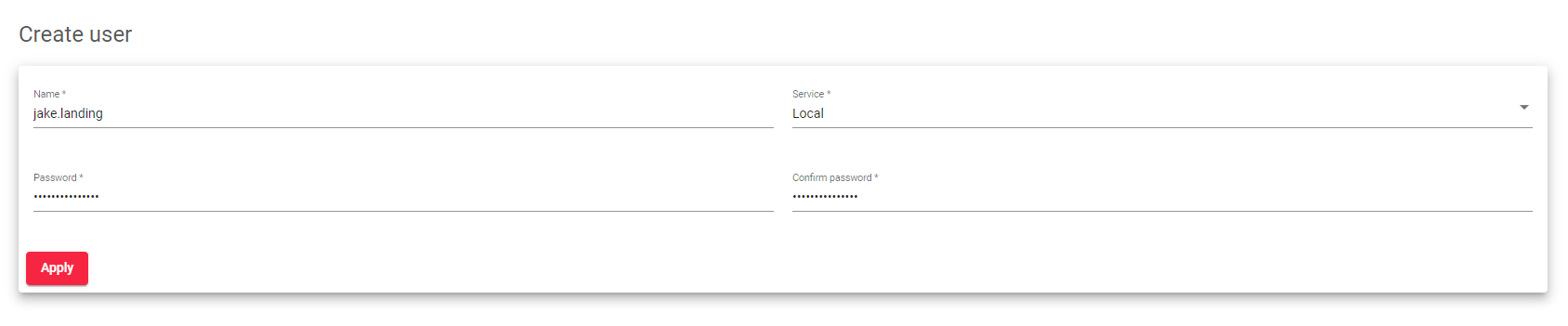 Name: A unique label that identifies the user and is used to access the Web GUI. This field may contain alphanumeric characters, underscores, and dash symbols.
- Service: Whether the user is accessing the Local or the Light Weight Access Protocol (LDAP) data origin.
- If you selected the service as Local, create a new Password and confirm it.
- Click the Apply button to create the user.
A form with more advanced configurations will show up. We’ll discuss more about them in the next article.
Next Article: System | RBAC | Users | Update
