
To create a GSLB farm:
-
- Go to the GSLB > Farms page.
- Click the Create Farm button.
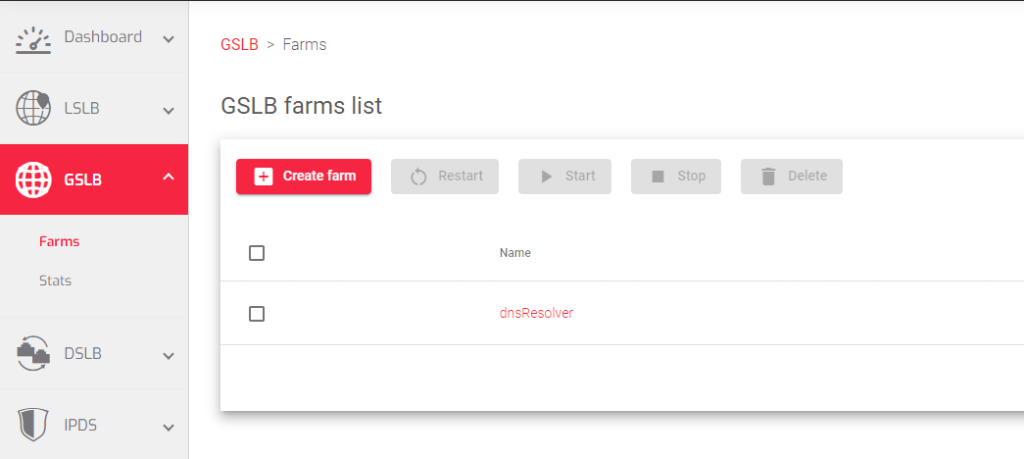
- Enter the following information in the form:
- Name: A unique name for the farm.
- Virtual IP: The IP address that the farm will use to receive incoming traffic.
- Virtual Port: The port that the farm will use to receive incoming traffic. By default, GSLB farms use port 53 (UDP).
- (Optional) Copy from farm: If you want to copy the configuration of an existing farm, select this checkbox and select the farm that you want to copy.
- Click the Apply button.
After creating the GSLB farm, we can add Services, Zones and IPDS rules for DNS security. All of these configurations are described in the next article.
To know more about GSLB Farms and how it works
Previous article: Discover GSLB Farms – Next Article: GSLB | Farm | Update
