
System and load balancer logs can be accessed in this section to analyze problems and learn more about the appliance’s internal workings.
All logs are stored in the /var/log directory and rotated regularly. Old log files are compressed and named syslog.*.gz, with higher numbers indicating older logs.
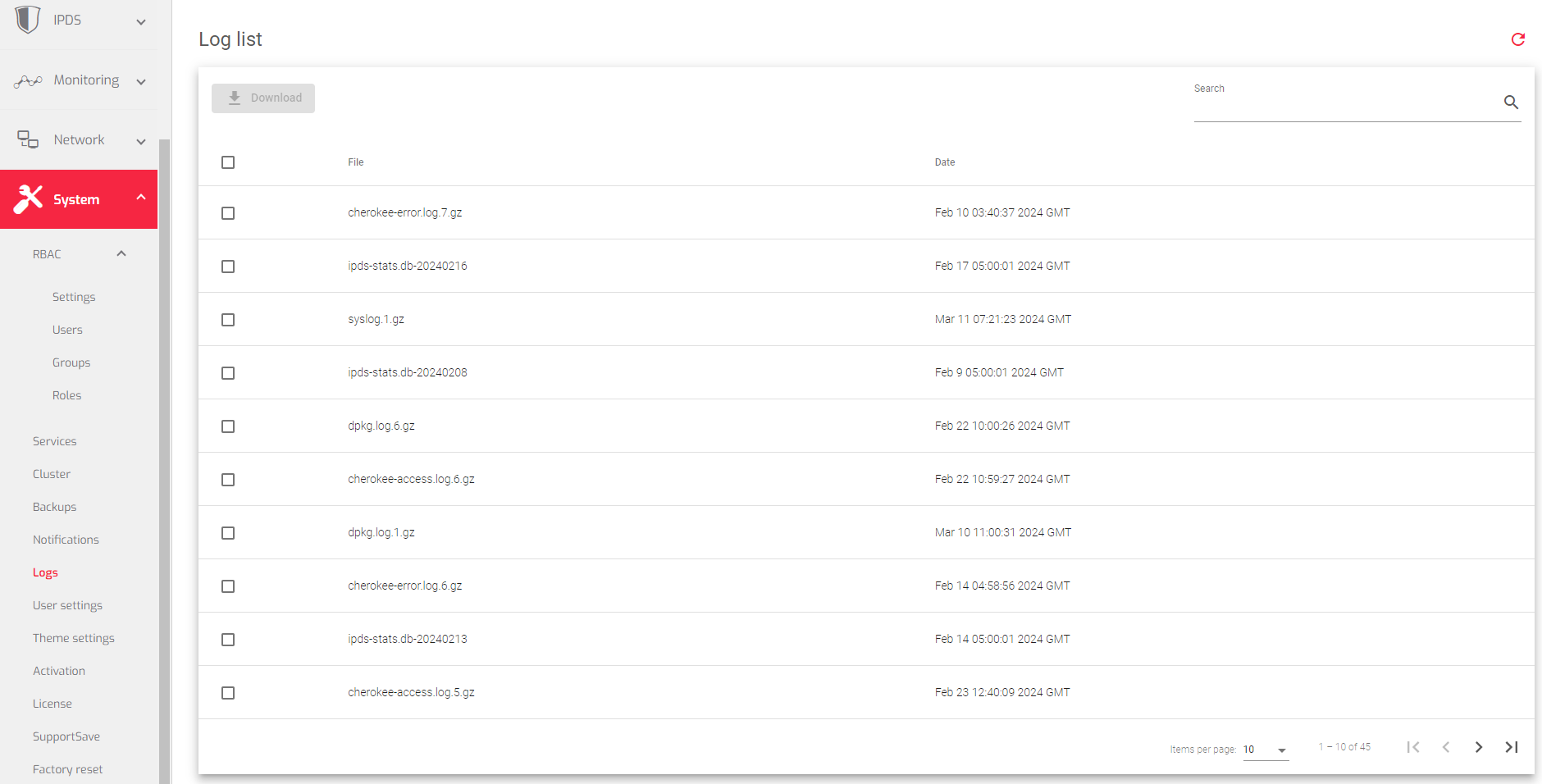
Here is a brief description of each Field from the image above:
File: The name of the log file.
Date: The date the log file was last modified or the date of the last log entry.
Actions: The actions that can be performed on the log file:
- Show: View the contents of the log file. The show button appears after hovering on a particular log file.
- Download: Save the log file to your local computer.
Next Article: System | Logs | Show
