
To Create an Alert Notification, follow these instructions:
- Go to the System > Notifications section.
- Hover over the service you’d like to edit and click the Edit button labeled Configure.
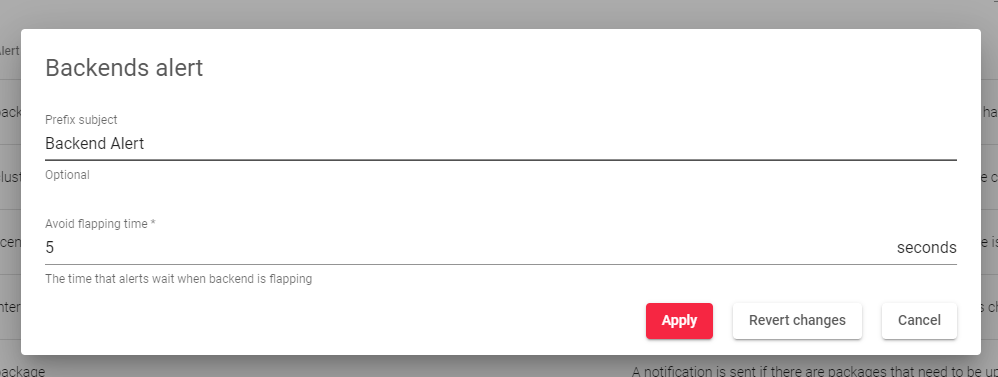
- In the form that appears, enter the following details:
-
- Prefix Subject: Set a prefix for all emails sent by the system.
- Avoid Flapping Time: Prevent backend status notifications for a set period after the backend is enabled or disabled.
-
- Click the Apply button to save the changes.
Next Article: System | Logs
