
How to Manage Load Balancer Backup Configurations
This section explains how to manage backup configurations of a load balancer. This can be useful for quick disaster recovery, cloning, or migrating the configuration from one node to another.
Configuration Of Backups List
The table in the figure below lists all the backups generated and stored in the load balancer.
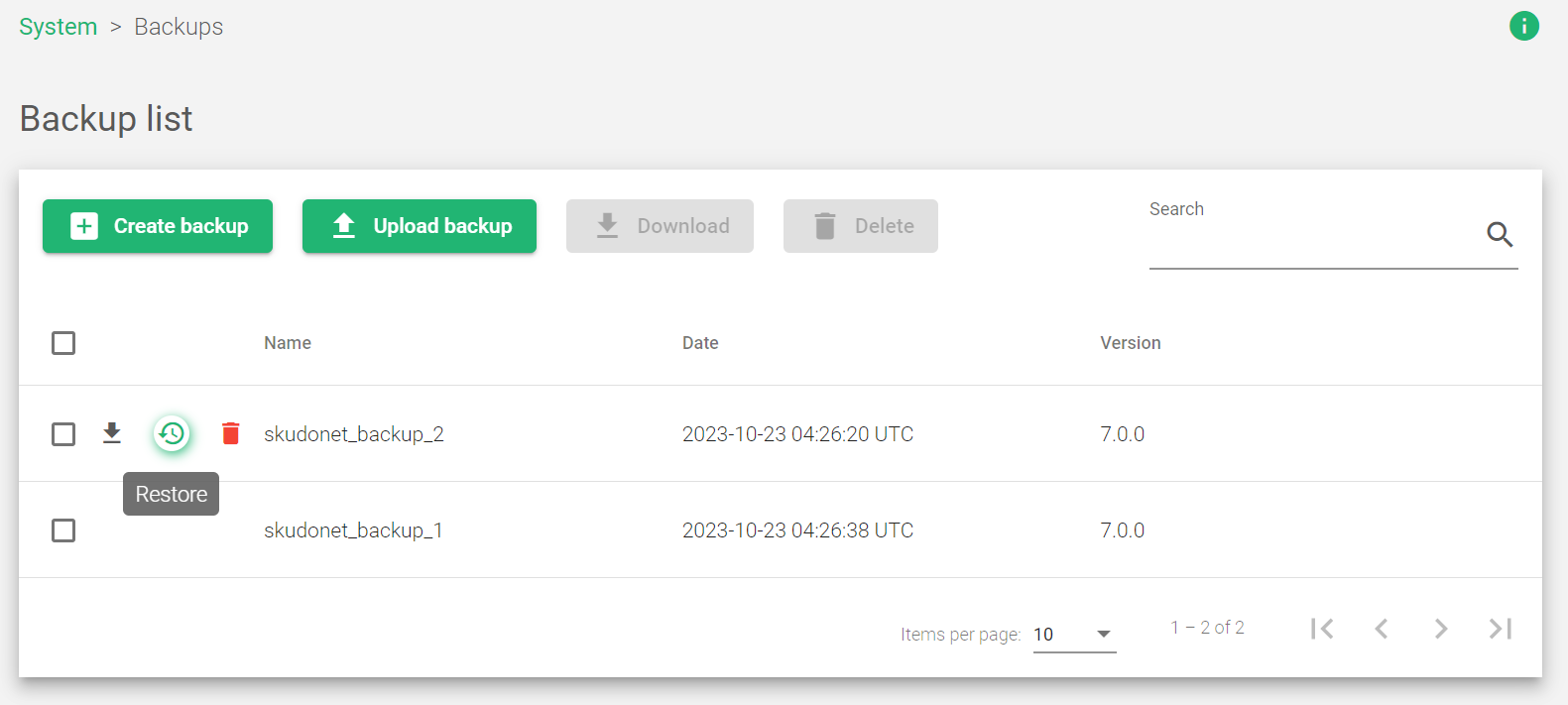
| Field name | Description |
|---|---|
| Name | A descriptive backup file name. |
| Date | The date when the backup was downloaded. |
| Version | The version of the file that was backed up. |
Actions: Use the following actions to backup your files
- Create Backup: A new configuration backup file will be generated.
- Upload backup: Upload and store a backup previously created in the load balancer.
- Download: Download the backup in a tarball file format.
- Delete: Remove the backup from the load balancer.
- Restore: Retrieve the previous versions using the files in the backup storage.
Next Article: System | Backups | Create
