
Uploading a backup on SKUDONET
To upload and store a local backup file into the load balancer:
-
- Go to the System > Backups page.
- Click the Upload Backup button.
- In the Name field, enter a descriptive name for the backup file.
- Click the Paper Clip button to locate the file on your local disk. The backup file must be in .tar.gz format.
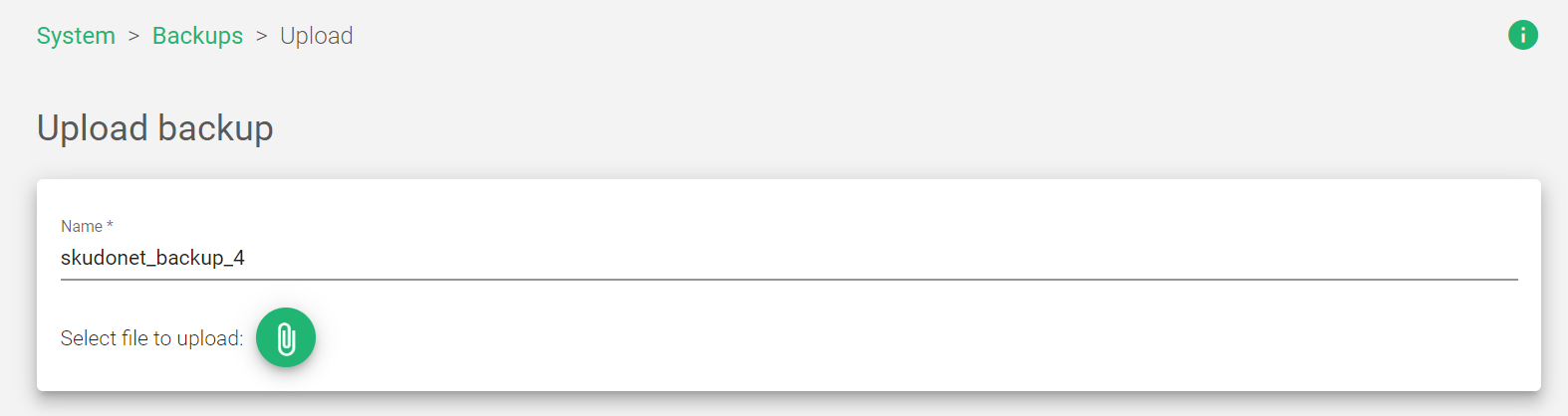
- Click the Upload button.
The load balancer will upload the backup file and store it in the backup storage.
Important Note!
The backup file name can only contain letters, underscores, and numbers.
Next Article System | User
