
This section describes how to configure and use physical network interface cards (NICs).
The NIC Interfaces Table lists all of the non-virtual NICs that are available on the system.
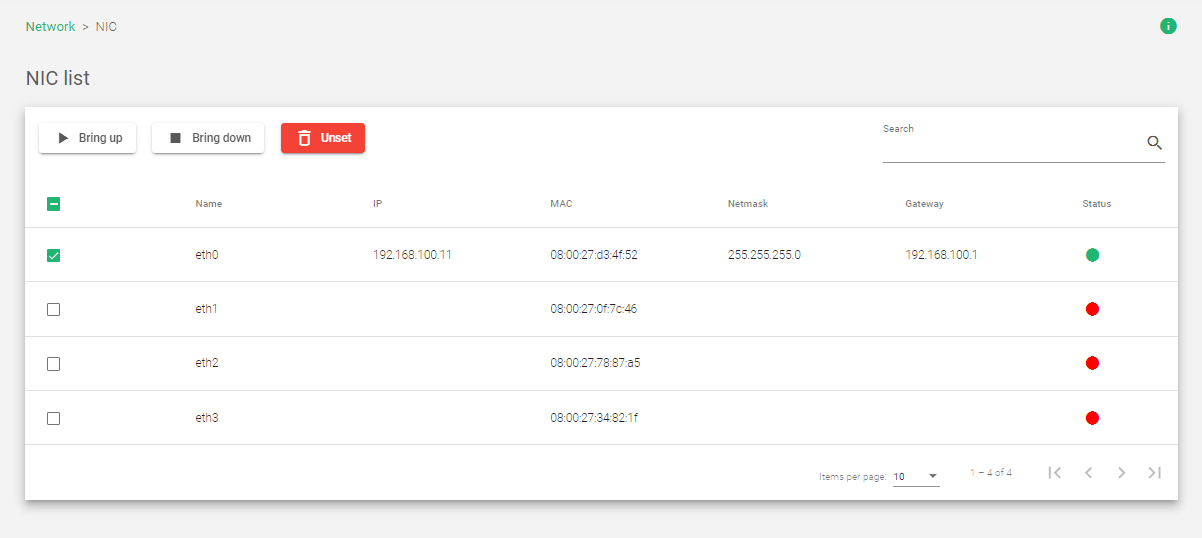
These are the actions you can take on a selected network interface:
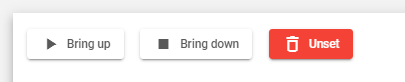
-
- Bring up: This starts the interface and allows it to receive and transmit traffic.
- Bring down: This stops the interface from receiving and transmitting traffic.
- Unset: This removes all configuration settings from the interface.
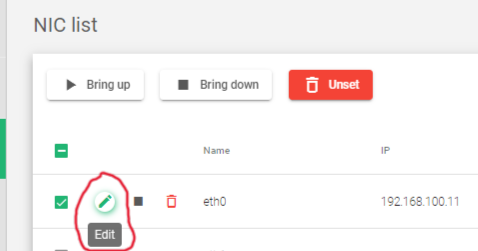
- Edit:Change the NIC configurations, such as the IP address, netmask, and gateway. One may only use the edit Icon after hovering over the Interface you’d like to edit. A pencil Icon will show.
The NIC List table shows the following information:
Name: The name of the physical network interface.
IP: The IP address of the physical network interface, if configured. The appliance supports both IPv4 and IPv6 addresses.
MAC: The MAC address of the physical network interface.
Netmask: The subnet mask of the physical network interface, if configured. The netmask must be configured at the same time as the IP address.
Gateway: The default gateway used by the NIC.
Status: The health status of the NIC, represented by a color:
- Green: The NIC is up and running.
- Red: The NIC is down or the link has not been detected.
Next Article: Network | NIC | Update
