
Welcome to SKUDONET 6.3!
Access to the SKUDONET web interface.
Once you have successfully installed and deployed SKUDONET 6.3, you can access the load balancer’s web interface using the default HTTPS port 444. To acess the web interface:
- Open your web browser.
- Enter the following URL into the address bar:
https://<host_ipaddr>:444
- Replace <host_ipaddr> with the IP address of your load balancer.
- Accept the certificate warning from your browser.
- You will be redirected to the login page. Enter the following
- Username: root
- Password: admin
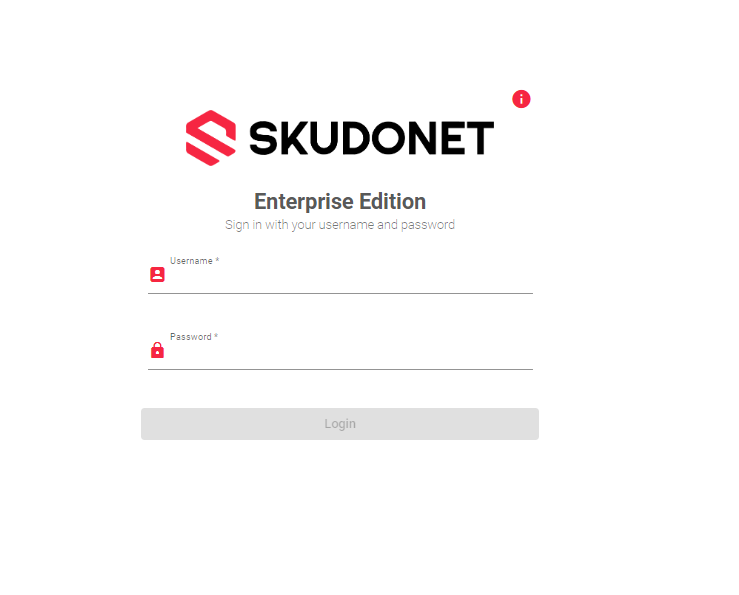
- Click the Login button. You will be redirected to the SKUDONET Dashboard
Important Notice!
If you previously installed the load balancer(instead of deploying it from a virtual template), the password will be one that you created during the installation process.
You should change the default system password as soon as possible. To update User credentials, read this article: System | User Settings
Next Article: Dashboard | Home
